Apps
Web Apps

Unwind is a simple visual and audible experience that aims on relaxing you throughout your day. Choose a scene that best suits your mood. From a crackling fireplace, waves crashing on a tropical beach, the sounds of a deciduous forest, even snowfall. It's quite an experience.

Originating from a Oct 2015 General Conference talk by Devin G. Durrant, he states that Ponderize means 80% pondering and 20% memorizing. Ponderizer is a free tool for all to use which will present a new scripture for you every Sunday morning for you to ponderize throughout the week.
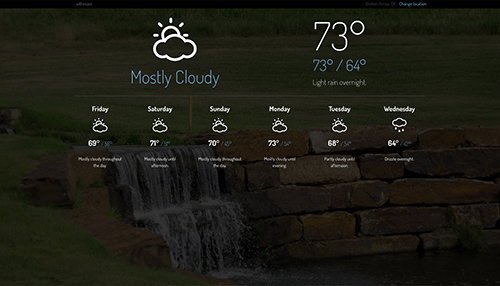
Wthrcast is a beautiful weather forecasting agent for your browser. It shows your locations current conditions as well as a multi-day forecast. Wthrcast will also indicate any severe watches and/or warnings for your area.
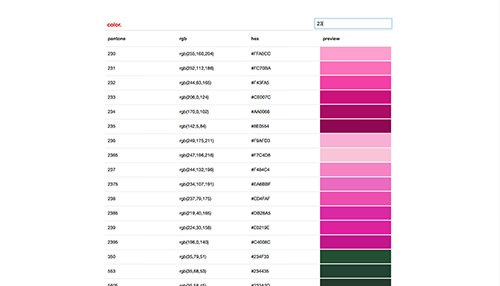
Color is a simple utility to look up HEX and RGB equivalents to Pantone colors. Type in the hex, rgb, or Pantone color in the search field and it will return results as you type.

Likely, you will have no interest in this but it was a special one-pager parallax page I build for my wife for our 10-year anniversary in 2015. It's really just here to show off my beautiful family.

A pretty experiment where I use Javascript to convert the time to a HEX code and present that HEX code as the background color of the page.
OS X Apps
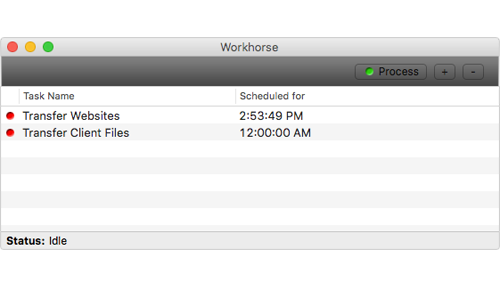
Workhorse automates tedious file transfer and deletion tasks. Just tell it when or how often you want it to run, fill in the details, and let it do it's job! Do you know Applescript? Use Workhorse to run your scripts at a given time or interval.
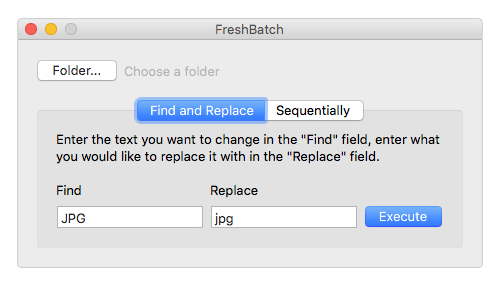
Ever download a folder filled with 900 images and need to rename them all? Or does your camera give all of your images a capitalized JPG extension and you need them to be lowercase? Enter FreshBatch.
A very easy-to-use piece of software to do just that. Just tell it what folder you want to modify, what about the filename you need to change, and what you want to change it to. Simple as that.
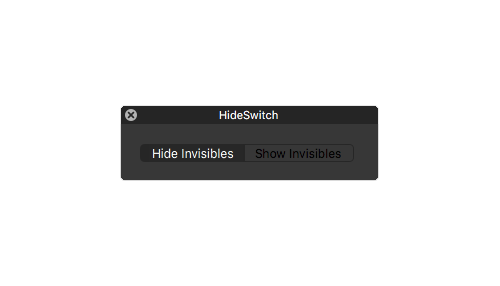
HideSwitch is the easiest way to show and hide system files hidden in OS X. Instead of launching some big clunky piece of software or running a terminal command, just launch this tiny app and click the button to toggle hidden files on and off. Nothing more, nothing less. HideSwitch supports TotalFinder as well.